


Choosing the Right Laser Technology: A Practical Guide for First-Time Small Business Owners
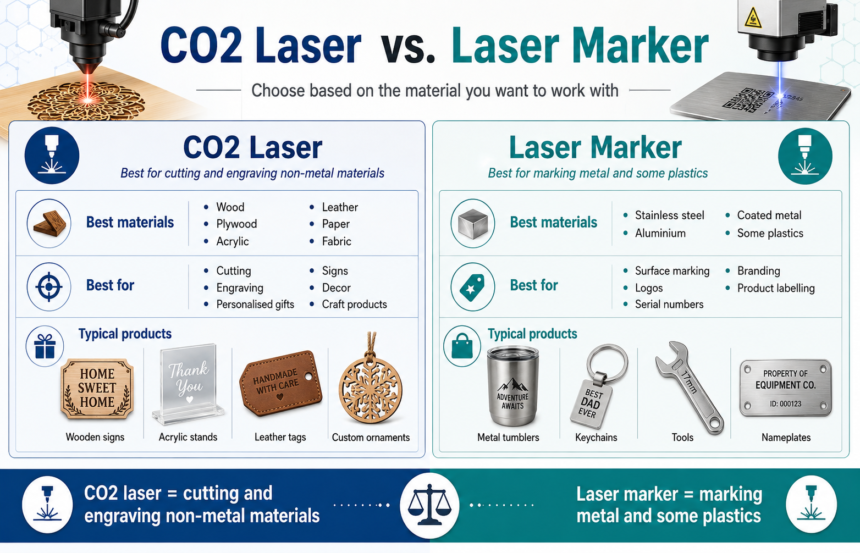
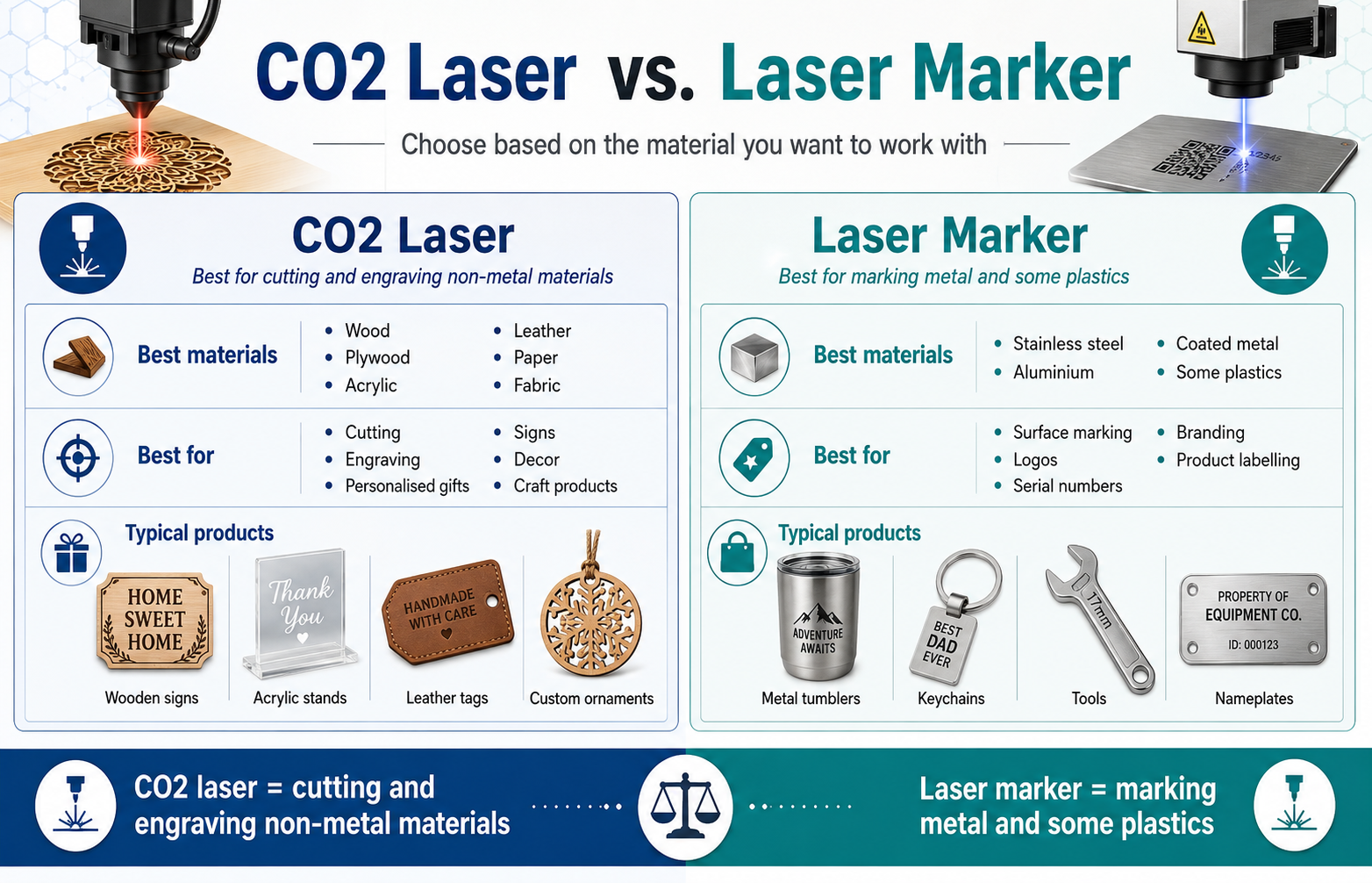
Not sure whether you need a CO2 laser or a laser marker for your new business? It comes down to material: CO2 lasers cut and engrave organic materials such as wood, leather, and acrylic, while laser markers are built to brand metal and plastic. Buy the wrong one and you’ll end up with equipment that can’t actually make the products you had in mind.
Personalised and branded small-batch products – engraved gifts, custom mugs, branded merchandise – have become a popular way for students, freelancers, and first-time entrepreneurs to start a side business. The laser equipment market can look confusing from the outside, with dozens of machine types marketed for overlapping purposes. Getting the core technology choice right before you spend any money will save you time, budget, and a fair amount of frustration later on.
Why the Material You’re Working With Decides the Machine You Need
The most useful question to ask isn’t which laser brand has the best reviews – it’s what you’re planning to make, and out of what material. That single detail determines which category of machine you need, since CO2 lasers and laser markers rely on different processes suited to different surfaces.
Laser technology for small businesses splits broadly into two paths: cutting and engraving soft, organic materials with a CO2 laser, or marking hard, non-organic surfaces such as metal and plastic with a laser marker. The sections below walk through each path, along with the budget, space, and market-testing considerations that apply regardless of which one fits your product.
CO2 Laser Cutting – Best for Wood, Leather, and Other Soft Materials
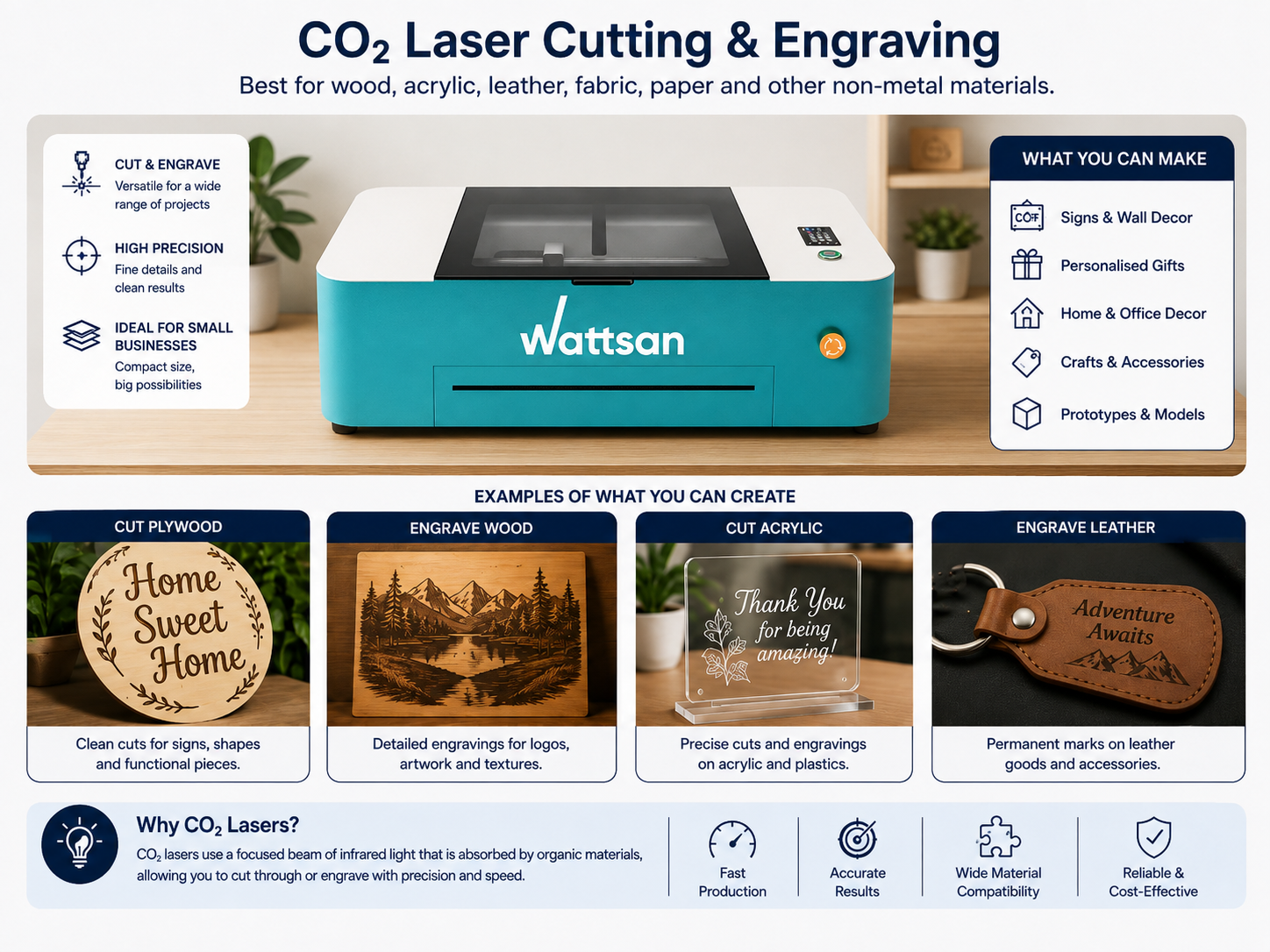
A CO2 laser cuts or engraves material using a focused beam of carbon dioxide gas laser light, and it performs best on organic and semi-organic materials – wood, leather, acrylic, paper, and fabric among them. It’s the standard choice for makers producing wooden signs, leather goods, acrylic photo stands, and personalised gift items.
For a beginner, the appeal is versatility. A single CO2 machine can cut a shape out of plywood and engrave fine detail into its surface, covering a wide range of product ideas without needing separate tools for each step. This is one reason CO2 lasers are a common starting point for people testing a product-based side business rather than committing to a narrow niche from day one.
When researching machines in this category, three things matter more than any single spec sheet: the working area (how large a piece of material the machine can accept), the power output (which affects cutting speed and the maximum material thickness you can work with), and the precision of the engraving head (relevant if fine detail is part of your product line). Rather than chasing the highest wattage available, match these factors to the actual products you plan to make.
Because a CO2 laser depends on absorbing infrared light – something metal surfaces largely reflect – it isn’t a workable option for branding metal or most plastics. If you want to understand why this technology works so well on wood and leather but not on metal, this breakdown of how CO2 laser technology actually works is a genuinely clear explainer worth reading before you start comparing machines.
Laser Marking – What to Use When You Need to Brand Metal or Plastic
Laser marking uses a different process entirely, and it’s the category you need if your product line involves metal or plastic rather than wood or leather. Instead of cutting through material, a laser marker alters the surface itself – through discolouration, light etching, or an annealed finish – to leave a permanent mark without cutting all the way through.
This trips up a lot of newcomers, because it’s tempting to assume a CO2 cutter can simply be adjusted to handle metal with enough power behind it. In practice, the wavelength a CO2 laser produces isn’t absorbed effectively by most metals, so no amount of extra power solves the problem. Fibre lasers and other marking systems use a different wavelength specifically because metal and plastic respond to it far more predictably, which is why branded mugs, engraved tools, keychains, and serial-numbered parts are typically produced on dedicated marking equipment rather than a cutter.
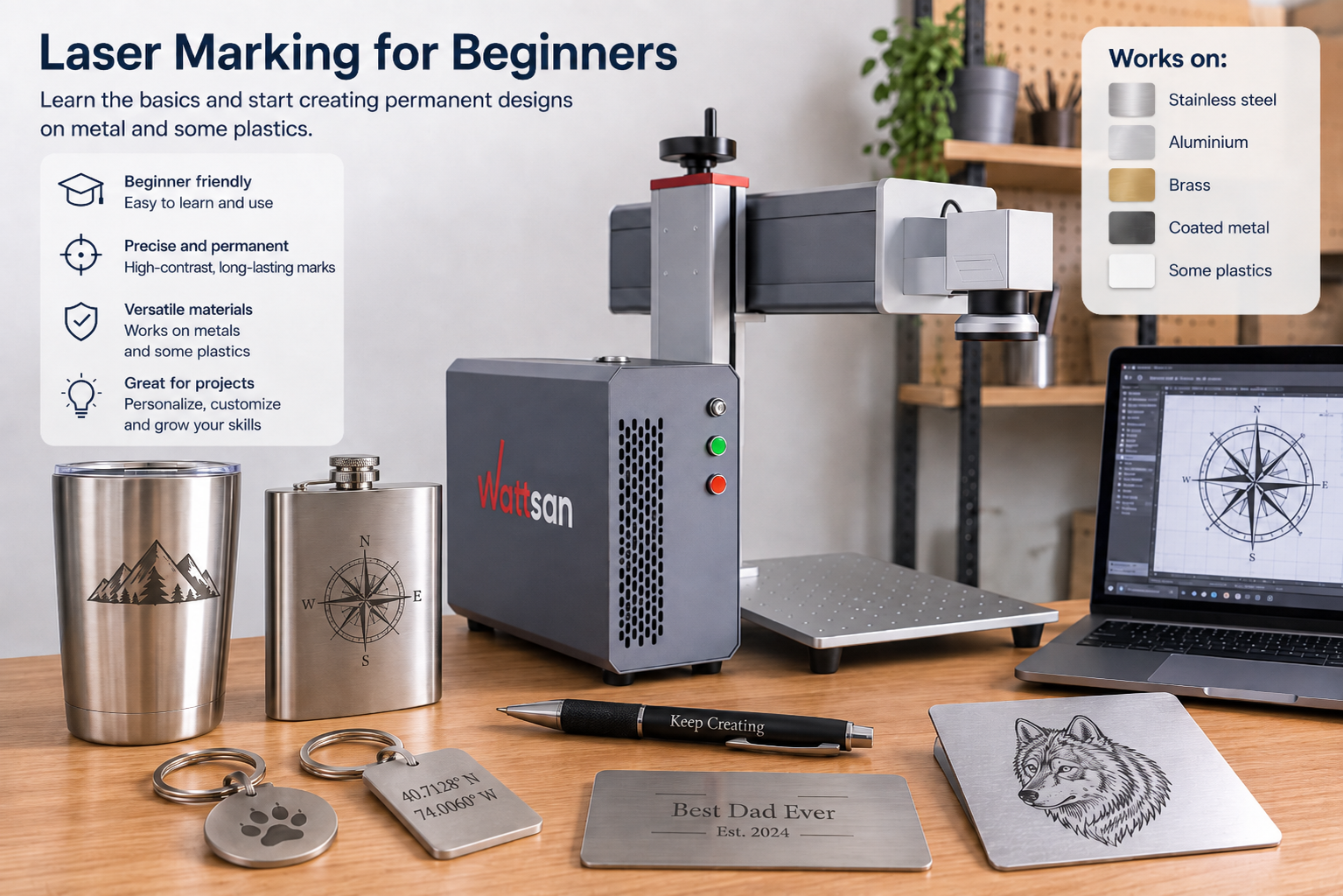
If branding metal or plastic products is part of your plan, it’s worth looking at what dedicated laser marking machines actually offer, since they’re built specifically for this kind of precision work rather than being a CO2 cutter with extra settings bolted on.
Budget, Space, and Safety – What New Business Owners Often Overlook
Budget, workspace, and safety requirements catch new owners off guard more often than the choice of technology itself. Entry-level machines in either category can start in the low thousands, with price climbing alongside working area, power, and build quality – treat any figure you see online as a starting range rather than a fixed cost, since pricing varies considerably by specification and supplier.
Ventilation is not optional. Cutting wood, acrylic, or leather produces smoke and fumes that need to be extracted from the workspace, which usually means a dedicated exhaust setup or a well-ventilated room – a spare corner of a bedroom rarely works long-term. Laser marking produces less smoke overall but can still release fine particulates depending on the material, so extraction still matters.
On safety, look for a fully enclosed machine where possible, since this reduces direct exposure to the beam and contains fumes more effectively than an open-frame design. Beyond enclosure, basic precautions apply across both technologies: appropriate eye protection when the machine is open or being serviced, a clear fire safety plan near flammable materials, and enough physical space around the unit for safe operation.
Starting Small – How to Test the Market Before You Invest
You don’t need to own a machine to find out whether a product idea has real demand. Renting time at a local makerspace or co-working workshop is a common way to produce a first batch of items, test pricing, and gauge interest before committing to equipment of your own.
Third-party engraving and marking services offer a similar low-risk route: many will fulfil small orders to your specifications, letting you sell finished products under your own brand while you validate demand. This works particularly well for students and freelancers who want to test an idea alongside other commitments rather than investing upfront.
Once you’re placing repeat orders large enough that outsourcing starts costing more than owning the equipment would, or once turnaround times from a third party start limiting how quickly you can fulfil orders, that’s usually the signal it’s time to buy.
Conclusion
The real decision here isn’t which brand to buy – it’s which technology matches the product you actually want to make. A CO2 laser suits wood, leather, and other organic materials; a laser marker suits metal and plastic. Nail down your product idea first, confirm which material category it falls into, and the choice between the two becomes straightforward rather than overwhelming.